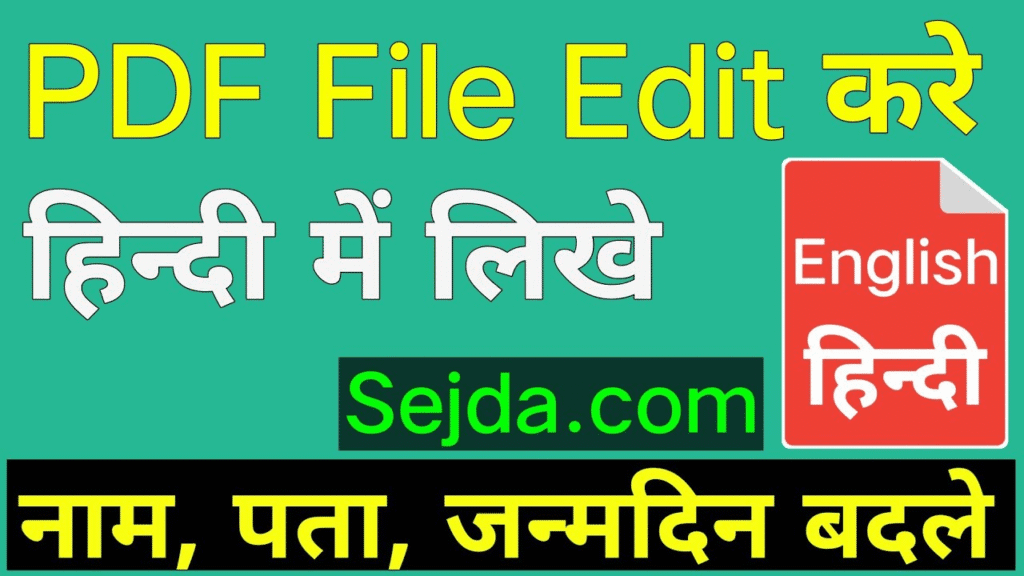
PDF File Edit Karne Ka Mast Jugaad: Sejda & LitePDF Se Professional Editing – Without Paid Software
Introduction
PDF ko edit karna kabhi ek badi mushkil samjha jaata tha. Purane zamane mein log sochte the PDF sirf padhne ke liye hoti hai, badalne ke liye nahi. Lekin duniya badal rahi hai, tools evolve ho chuke hain. Aaj ke digital daur me kaam tez hona chahiye, smart hona chahiye aur bilkul professional hona chahiye. Yahan hum do aise online tools par baat karenge jo bina heavy software download kiye, bina paise diye, PDF ko editing ka poora control de dete hain: Sejda PDF aur LitePDF.
PDF Editing Kyun Zaroori Hai?
Achhi baat Ye Hain ki. PDF har office, school, government document, CV, tender file, quotation, invoice sabka default format ban chuka hai. Lekin zindagi static nahi hoti, documents bhi update hote rehte hain.
PDF edit karne ki necessity:
- Spelling correction
- Signature add karna
- Stamp, seal ya watermark lagana
- Text ko update karna
- Form fill karna
- Pages add/remove/merge karna
Excel ka formula badal jaata hai, Word me text shift ho jaata hai, par PDF ekdum shaqal pe ready hoti hai—bas edit mushkil hota hai. Yahi problem yeh tools solve karte hain.
Tool 1: Sejda PDF – Simple, Clean & Professional
Website: https://www.sejda.com
Sejda ka mood ekdum shaant aur classy hai. Na zyada ads, na build-up. Easy Step open karo, waisa kaam start ho jaata hai.
Features jo kaam ke hain
| Kaam | Result |
|---|---|
| Text edit | Jaha chaho wahi likho |
| Image add | Logo, stamp, signature |
| Merge/Unmerge | Alag-alag file ek ya ek file ko tukdo me |
| Page rotation & delete | PDF ka proper layout |
| Watermark & Header/Footer | Official vibes |
Kaise use kare?
- Browser me open karo Sejda.com
- “Edit PDF” par click
- File upload karo (Drive, Local ya Dropbox se)
- Text par click karo and edit kar do
- Done? Export and Download
Bilkul WhatsApp message jaisa easy experience—zero drama.
Lekin dhyaan rahe: Free version me daily limited usage hota hai. Professional kaam handle karta hai par consistent heavy use ke liye premium better hai.
Tool 2: LitePDF – Light Weight, No Timepass, Seedha Kaam
Website: https://litepdf.com
LitePDF ek un logo jaisa hai jo zyada bolte nahi, par kaam dhamakedaar kar jaate hain. Interface one-page type. Jo chahiye wahin mil jayega.
Features jo roz kaam aayenge
- PDF to Word without formatting kharab
- Word to PDF CV ya Tender file clean result
- PDF Unlock/Protect Secure document ka game strong
- Compress PDF Tender upload limit ka stress khatam
Kaise use kare?
- Top 15 Trending Gemini AI Photo Prompt Copy-Paste Ideas for Boys cinematic Potraits.
 77 / 100 Powered by Rank Math SEO SEO Score In 2026, AI photo editing prompts are completely transforming digital photography. With advanced tools like Google Gemini AI, anyone can convert a simple selfie into an ultra-realistic 4K… Click for More
 - 10 Hunyuan Image 3.0 Photo Editing Prompts for Girls to Create Stunning Cinematic 4K Professional Quality Portraits Images.
 63 / 100 Powered by Rank Math SEO SEO Score In 2026, AI photo editing prompts are completely transforming digital photography. With advanced tools like Google Gemini AI, anyone can convert a simple selfie into an ultra-realistic 4K… Click for More
 - NH 127B Meghalaya Tender Results 2026: L1 Bidder & Full Bid Analysis (EPC Mode)
 66 / 100 Powered by Rank Math SEO SEO Score India ka infrastructure sector 2026 me rapid growth phase me hai. Highways, metro rail corridors, airport expansion, smart cities aur industrial projects par large-scale investments… Click for More
 - NHAI NH-44 Hyderabad–Bangalore Section Tender Result 2026: L1 Company Finalized | EPC Project Update
 53 / 100 Powered by Rank Math SEO SEO Score Infrastructure development is shaping the future of India’s economy with massive investments in highways, metro rail, airports, smart cities, and industrial corridors. From expressway expansions… Click for More
 - 4 Cinematic Gemini AI Prompts for Image Generation (Part 9): Copy-Paste Ideas for Dramatic 4K Movie-Style Portraits
 62 / 100 Powered by Rank Math SEO SEO Score 12 ChatGPT AI Prompts to Craft Vibrant Cinematic Portraits Full of Emotion 12 AI Prompts for Creating Color-Rich, Emotion-Packed Cinematic Portraits 12 ChatGPT Prompts to… Click for More
 - My newest album of youth, Google Gemini.. Each picture under the Prompt
 72 / 100 Powered by Rank Math SEO SEO Score 10 Viral Gemini AI Photo Editing Prompts Copy-Paste for Boys to Create Stylish 4K Instagram Portraits! Try This Cinematic AI Photo Editing Prompts – Gemini… Click for More
- LitePDF website kholna
- Jis tool ki zarurat hai, uspe click
- File upload karna
- Process khud ho jayegi
- Output download karlo
Bas itna hi. No login, no signup, no OTP – one tap ka raasta.
Sejda vs LitePDF – Kaun Better?
| Feature | Sejda | LitePDF |
|---|---|---|
| Text Editing | Strong | Limited |
| Conversions | Good | Excellent |
| UI Experience | Clean | Super Simple |
| Speed | Medium | Fast |
| Ideal For | Office & Government Docs | Students + Quick Work |
Seedhi baat:
- Professional editing chahiye → Sejda
- Conversions, fast processing → LitePDF
Dono ko mix use karoge, toh PDF game perfect.
Viral SEO Keywords (Use Blog me 3-4 times)
- pdf edit online free
- pdf editor without watermark
- sejda pdf editor
- litepdf online convert
- pdf to word converter free
- merge pdf online
- compress pdf for tender upload
Google ko samajh aane lagega ki content helpful hai, aur traffic khinchna shuru. Organic reach real hogi, fake nahi.
Pro Tips (Ye hi asli jugaad hai)
- Mobile se bhi ye tools smooth chal jaate hain
- Aadhaar card, PAN, Government files upload karte waqt Private Window / Incognito Mode use karo
- Signature ke liye white background hataane ka shortcut → remove.bg
- Compress karte waqt readability kabhi compromise mat karna, size & quality ka balance zaroor check karna
Yeh cheezein simple lagti hain, par yahi professional difference banati hain.
Conclusion
Zamana agile ho chuka hai, aur jo kaam smartly karta hai wahi aage nikalta hai. PDF editing ko mushkil samajhne ka zamana gaya. Sejda aur LitePDF ne sab kuch simplified kar diya.
Bas yaad rakho:
- Tools ka use smartly karo
- Privacy ka dhyaan rakho
- File handling me discipline rakho
Aaj ka kaam aaj hi finish ho, kal ke liye pending na rakho. Document clean ho, professional ho, aur ekdum polished—ye hi aaj ke era ka standard hai.
सामान्य सूचना एवं अस्वीकरण (Universal Disclaimer)
यह सामग्री विश्वसनीय सार्वजनिक स्रोतों और उपलब्ध साक्ष्यों के आधार पर तैयार की गई है। इसका उद्देश्य केवल ज्ञान, सूचना और जागरूकता प्रदान करना है।
किसी भी प्रकार के आर्थिक लेन-देन, नौकरी, सेवा, उत्पाद, प्रोजेक्ट या अन्य औपचारिक कार्य से पहले, कृपया स्वयं संबंधित आधिकारिक स्रोतों से सत्यापन अवश्य करें।
हम किसी भी भ्रामक सूचना, अफवाह, अनुचित दावे या अनधिकृत लेन-देन का समर्थन नहीं करते।
इस जानकारी का उपयोग सोच-समझकर और अपने विवेकानुसार करें।
किसी भी निर्णय, कार्य या लेन-देन की पूर्ण जिम्मेदारी उपयोगकर्ता की स्वयं की होगी।


Pingback: ChatGPT Motion Blur Magic 2025: Viral Cinematic Prompts Taking Over Google Trends
Pingback: Part 8 for Boys 10 New Version Gemini AI Photo Editing Prompts